Managed OpenClaw hosting vs. DIY VPS: xCloud vs. ClawTrust vs. self-host
Compare xCloud vs ClawTrust vs self-hosting OpenClaw on a €5 Hetzner VPS. Pricing, security, upkeep, and who each option suits.

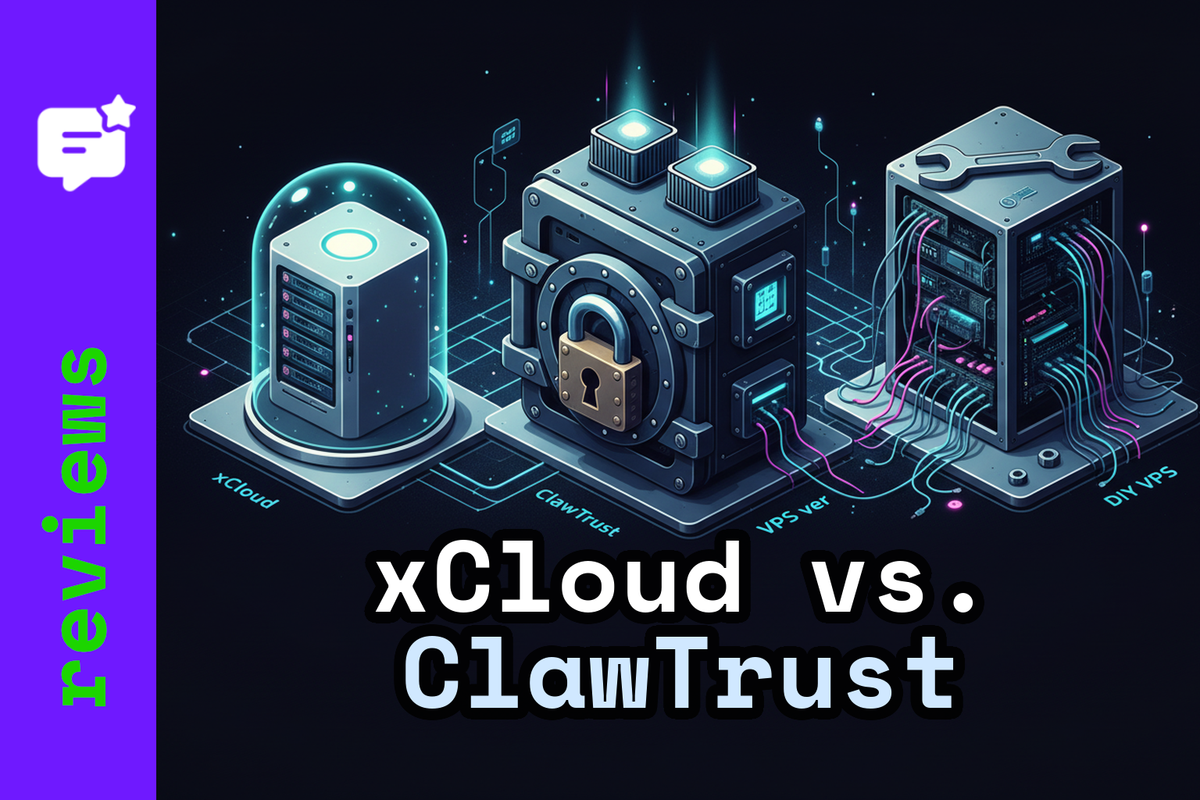
You want OpenClaw running 24/7. We recommend you follow one of these three paths: use xCloud for $24/month for a managed instance, sign up to ClawTrust for $79+ for a security-hardened managed instance, or rent a Hetzner VPS for ~€4.50/month and run it yourself. Each path optimises for something different.
This post breaks down what you actually get with each option: pricing, what's managed, the security story, and who should pick which.
What "managed" actually means
The word gets used loosely. For xCloud and ClawTrust it means: they provision the server, install OpenClaw, handle OS and app updates, and give you a dashboard or support channel when things break.
What it does not mean: they cannot control how your agent behaves, what model keys you use, or what skills you install. That part is still yours.
Self-hosting means the "managed" column is entirely empty. You own setup, updates, monitoring, backups, and incident response.
xCloud
xCloud positions its OpenClaw offering as "no Docker, no terminal, no SSH" — deploy in five minutes through a dashboard. $24/month, cancel anytime, 7-day refund window.
The server is dedicated to OpenClaw. You cannot co-host other apps on it. External installs (your own VPS pointed at xCloud) are not supported.
What's included: daily encrypted backups, automatic SSL, automatic updates via the dashboard, and an "AI-powered repair agent" for diagnosing common issues without opening a terminal. Support runs through dashboard chat, email, and Telegram — claimed average response under four hours.
One thing to note: exact resource specs for the $24 plan aren't listed on the product page. The docs mention a 4 GB RAM minimum and a General vs. Premium server distinction — enough to set expectations.
Pick xCloud you want the fastest managed path on the lowest monthly fee and you're comfortable trading resource transparency for simplicity.
ClawTrust
ClawTrust starts at $79/month and builds the security story into the product rather than treating it as an add-on.
Their published tiers:
- Starter: $79/month — 3 vCPU, 4 GB RAM, 100 web actions/hour, $5/month AI budget included
- Pro: $159/month — 4 vCPU, 8 GB RAM, 500 web actions/hour, $10/month AI budget
- Enterprise: $299/month — 8 vCPU, 16 GB RAM, 2,000 web actions/hour, $30/month AI budget
Each plan includes a 5-day free trial.
The security architecture: zero public ports — the agent server accepts no inbound connections. All remote access goes out via encrypted tunnels (TLS 1.3). Disk encrypted at rest with LUKS2. Kernel-level monitoring via eBPF probes. API keys fetched on-demand and cached in memory only, never written to disk. Every credential proxy call is audit-logged.
In plain terms: ClawTrust eliminates the two most common DIY failure modes — exposed gateway and keys sitting in a config file.
The compliance angle: they publish a DPA covering GDPR and UK GDPR, clearly list what they can see (health metrics, error logs, token counts) and cannot see (conversation content, tool outputs), and document that the VPS is destroyed on cancellation.
Worth checking before you commit: backup retention policy and SLA terms aren't front-and-centre in the docs. The focus is encryption and monitoring. Their Terms are best-effort by default — if either detail matters for your use case, worth asking before you sign.
Pick ClawTrust if security hardening is non-negotiable and you run workflows where an exposed gateway or leaked key would be a real problem.
Self-hosting on Hetzner
OpenClaw's own Hetzner guide frames the goal as "OpenClaw 24/7 for ~$5." That's still roughly accurate after Hetzner's April 1, 2026 price adjustment.
Current baseline: CX23 at €3.99/month + Primary IPv4 at €0.50/month = €4.49/month excluding VAT. Add Hetzner's backup add-on at 20% of the server cost if you want managed snapshots.
The setup pattern: provision a Debian or Ubuntu VPS, install Docker and Docker Compose, clone the OpenClaw repo, configure persistent host directories so state survives container restarts. Keep the gateway loopback-only on port 18789. Access it remotely via SSH tunnel.
That last point is not optional hygiene. OpenClaw's remote access docs treat "binding beyond loopback without auth" as unsafe and block it as a guardrail. The recommended path is loopback + SSH tunnel (or a private tailnet). This is operationally safer than punching a public port, but it adds setup work and means your tunnel has to stay alive for remote access.
What you own: OS patching, Docker updates, gateway exposure decisions, credential storage, backup scheduling, and every incident that wakes you up at 2am. For backups, openclaw backup creates a local archive of state, config, credentials, and sessions. You still need to move those backups off-host and test restores.
The real cost calculus: the VPS costs ~€54/year. But your own 24 hours of ops time (2h/month) at a modest "virtual" €60/hour is €1,440 of time value. The VPS is cheap; the ops are not.
Pick Hetzner self-hosting if you already run production infrastructure, you want full control for compliance reasons, or cost is genuinely the binding constraint and you have the time.
Side-by-side
| xCloud | ClawTrust Starter | Hetzner CX23 | |
|---|---|---|---|
| Monthly cost | $24 | $79 | ~€4.49 (ex VAT) |
| Setup time | Minutes | Minutes | Hours |
| Resource transparency | Opaque ($24 plan) | Explicit per tier | Your choice |
| Backups | Daily encrypted (claimed) | Not clearly specified | DIY or Hetzner add-on |
| Security model | Provider-managed infra; you own keys and agent |
Zero ports, encrypted tunnels, credential proxy, eBPF |
Entirely yours |
| SLA | Not documented | Best-effort (no default SLA) | Hetzner infra SLA; app layer is yours |
| AI spend cap | No (BYO keys) | Yes, per-plan budget | No |
Who should pick what
Non-technical users or anyone who wants 24/7 with minimal ops: xCloud. You get a working agent in minutes, automatic updates, and someone to call when it breaks.
Small teams with strict security requirements or spend controls: ClawTrust. The security architecture is unusually concrete and the per-plan AI budget caps prevent runaway spend. Accept the higher cost and the absence of a default SLA.
Cost-sensitive operators or anyone who wants full control: Hetzner self-hosting. Follow the official OpenClaw Hetzner guide, keep the gateway loopback-only, and use SSH tunnelling for remote access. Budget for ops time honestly.
Day-two checklist
Whatever you choose, do this immediately after setup:
- Managed: confirm what backup retention you actually get, how to trigger a restore, and what the support response expectation is. If you need an SLA, get it in writing.
- DIY: run
openclaw backup, copy the archive off-host, and verify you can restore from it. Set a calendar reminder to repeat monthly. - All options: set up cost monitoring. LLM API spend can exceed hosting costs by an order of magnitude.
Whichever option you pick, you are at the start of something genuinely fun. Running an AI agent that actually does things — not just answers questions — produces moments that still catch you off guard. Enjoy them.
(Affiliate links — We get a small cut if you sign up, at no cost to you.)
Resources
- xCloud OpenClaw hosting — pricing, backups, deployment docs
- ClawTrust security architecture — ports, tunnels, EDR, pricing tiers
- OpenClaw Hetzner install guide — official Docker-based setup
- OpenClaw remote access docs — loopback, SSH tunnel, auth requirements
- Hetzner price adjustment (April 1, 2026) — CX23, CX33, CX43 new pricing